Frame
The container for one screen.
 An AI-driven
Optional Figma guide
Try a frame, some text, and a shape in Figma.
The container for one screen.
A setting for an item, such as size or color.
The color inside a shape or letter.
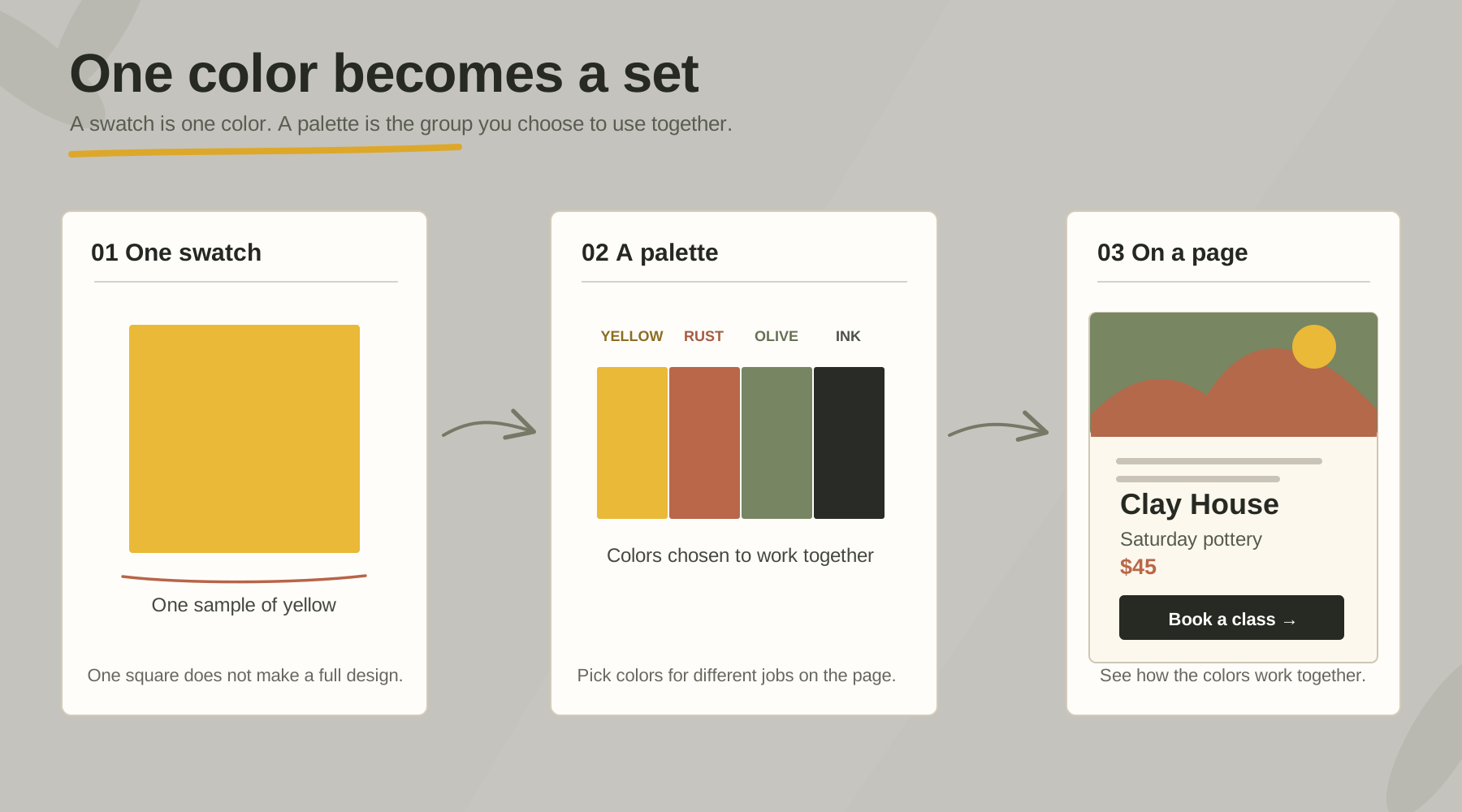
A swatch is one small sample of a color. A palette is the group of colors you choose for a design. Here charcoal is used for words, yellow for the action, cream for the background, and olive and rust for supporting details.
What happens when a person clicks, taps, or uses a control.
Use these prompts as you work through this lesson.
For exampleSelect the heading layer before changing its size.
For example“Book a class” tells the reader what the button offers.
For exampleA drawn rectangle with text is an example of a button; it does not book anything yet.