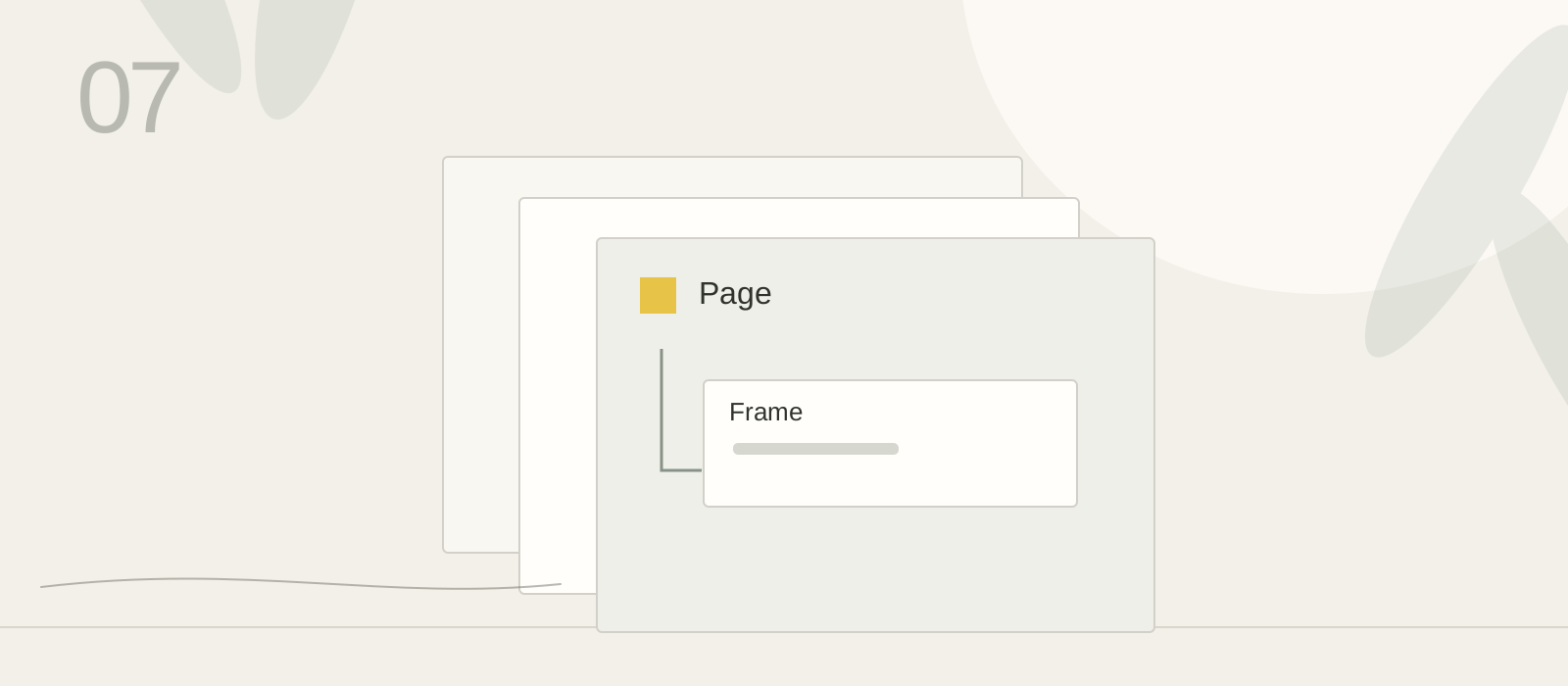
Page
One of the three top-level areas inside the Academy file.
Optional Figma guide
Keep pages, frames, and files easy to find.
Organize the Academy file so a first version, revision, sources, and questions can be retrieved.
Optional guide. Finish Set up your Figma file first. Skip if your existing three-page Academy file already lets you find the original, revision, sources, and questions quickly.
The file is the whole Academy workspace. The three pages separate daily references, assignments, and questions. A section groups one assignment within a page, and a frame contains one screen or study. You do not need a fourth portfolio page.
One of the three top-level areas inside the Academy file.
A labeled region on a page that groups one lesson’s work.
A named container for a screen or study within that work.
For exampleKeep the existing Daily practice, Assignments, and Questions pages.
For exampleInside Assignments, name a section Typography and frames Round 1 and Round 2. Keep source links beside borrowed pictures.
For exampleLeave the file, reopen it, and retrieve both rounds and any genuine question from its page.