Reference
A saved design picture with its creator or source link and collection date.
Course intro · Lesson 3
Find 5 web designs and 5 mobile designs on Dribbble. Save the pictures in Figma and look closely.
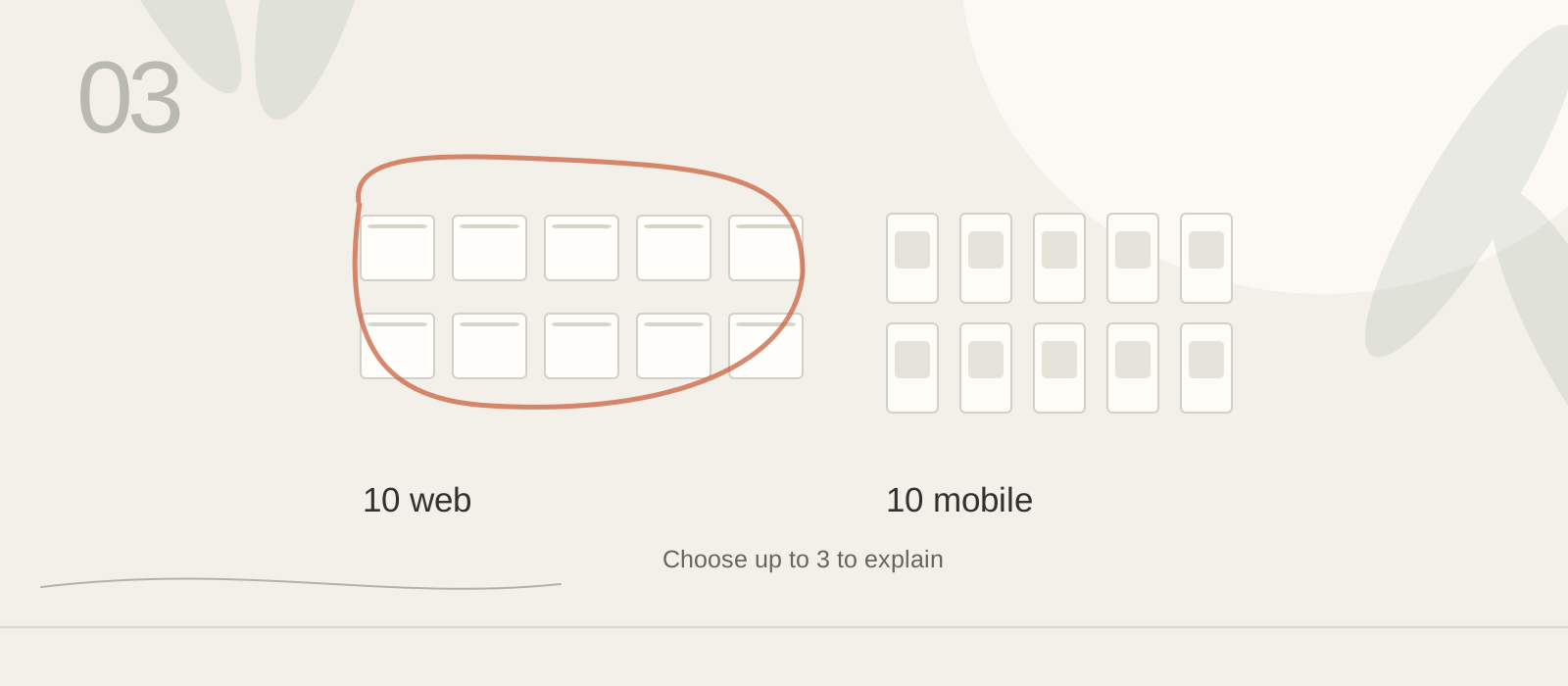
Save one daily set of five web and five mobile references, analyze one, and separate what is visible from what you infer.
Finish Start here first. Open C27 Academy — [your name] and its Daily practice page. Use today’s five web and five mobile references if you already collected them. Do not collect another set for this lesson.
A screenshot can show a label, color, price, position, or spacing. It cannot prove that someone noticed or understood it. “The price is beside the button” is an observation; “this may make the cost easier to notice” is an inference to check later. Visual inspiration is not usability evidence.
A saved design picture with its creator or source link and collection date.
A detail you can point to in the picture, such as the price beside a button.
A possible effect you think that detail may have; it is not a tested result.
Start with one picture from today’s set. The recipe answers point to visible details; “a person may notice this sooner” would be an inference, not a result the screenshot proves. Check the three answers against the picture and keep its source.
Compare the recipe screens with the three answers beside them.
Find a recipe and follow its cooking instructions.
The first screen lists recipes. The middle screen shows Miso Ramen, ingredients, and cooking time.
The third screen shows how to cut mushrooms.
The picture and written instructions explain the same step. A speaker control offers an audio option; the picture does not tell us whether it plays.
“Let’s Making” does not explain what happens next.
If the button opens the cooking steps, I would call it “Start cooking.” That makes the next action clearer.