Learn
Look at the examples. Notice what helps and what gets in the way.
 An AI-driven
Learn how to use this course. See what to do today, each day, and each week.
Look at the examples. Notice what helps and what gets in the way.
Follow the steps and make your own work in Figma.
Compare your answers. Make one thing clearer.
Each day, collect these 20 designs from Dribbble. Save each picture, its creator link, and the date in Figma.
Explore DribbbleRead or watch the lesson. Pause when you see an example.
Do the assignment in Figma. Keep your source links and first version.
Open Check your work. Fix one thing and save the new version.
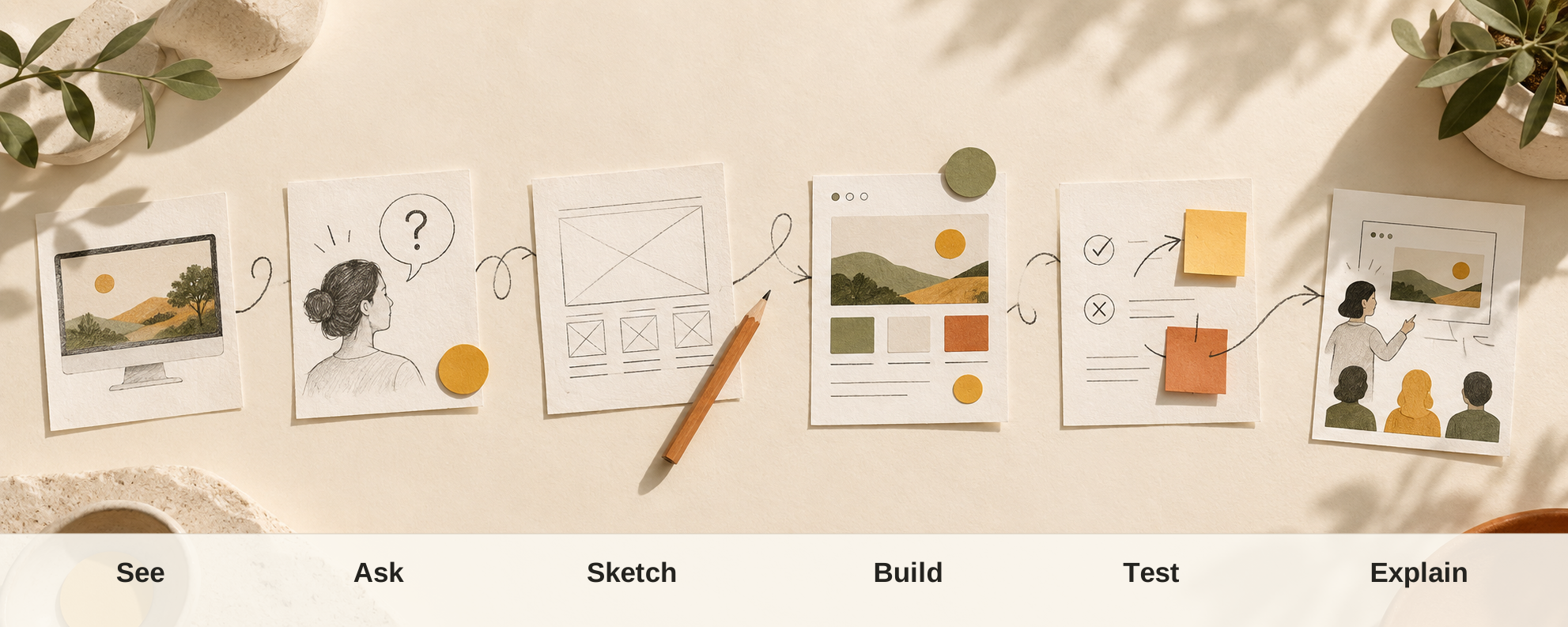
Start by noticing what helps people. Next, learn why it works. Then use what you know to make and test your own ideas.
How a product helps people do what they came to do.
The parts people see and use on the screen.
A practice model for trying an idea.
A selected set of work that shows your skills.
Use these prompts as you work through this lesson.
For example“They want to book a class.”
For example“The button says ‘Book a class.’”
For example“I would check whether the booking is easy to finish.”