Work file
Your own place to keep the things you make.
 An AI-driven
Course intro · Lesson 4
Make one place in Figma for your practice and assignments.
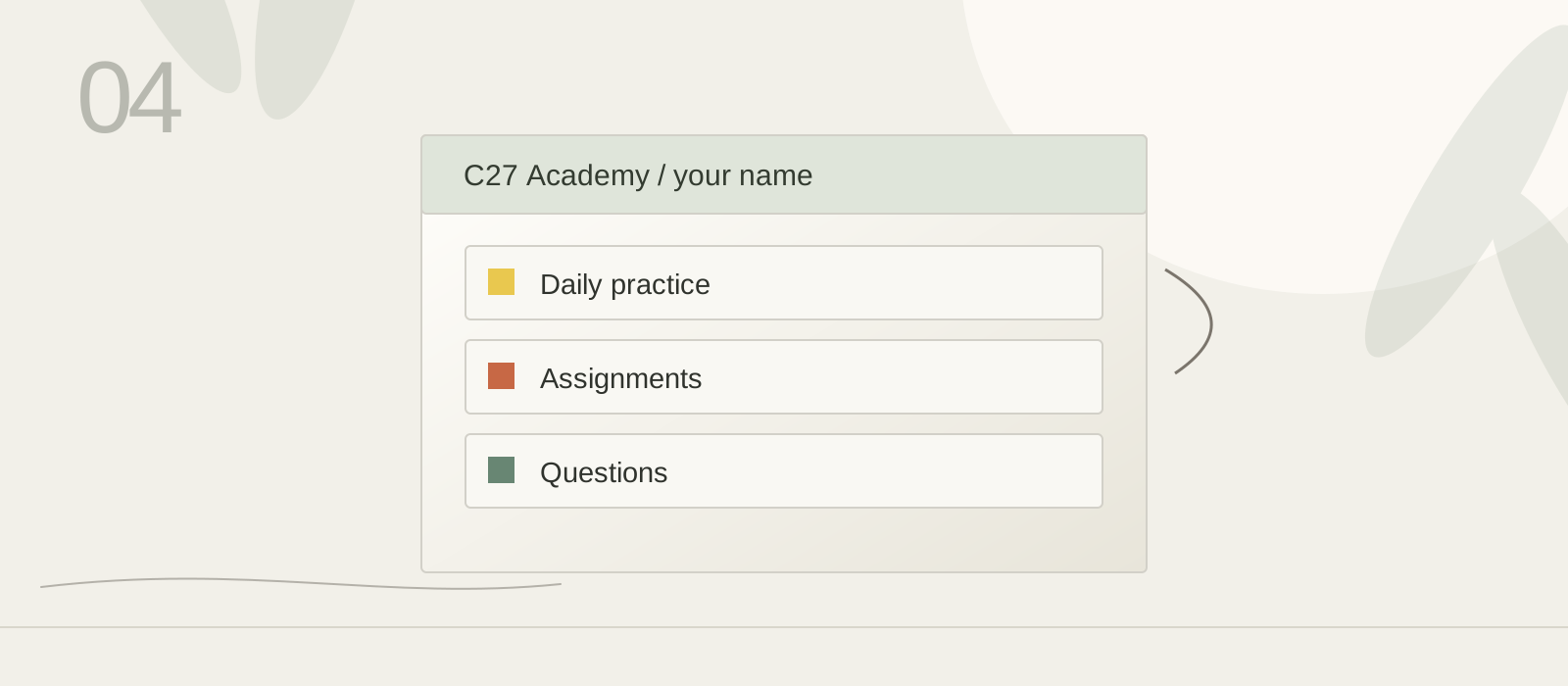
Your own place to keep the things you make.
A saved stage of the same piece of work.
Improving something you have already made.
The one clear step you will do next.
Use these prompts as you work through this lesson.
For example“C27 Academy — Christina” tells you whose file it is.
For examplePut “Current lesson: Course Intro” at the top of your work file.
For exampleClose and reopen the saved screenshot to confirm it is there.